Markdown语法
目录
标题
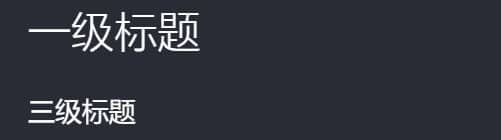
# 一级标题
### 三级标题
段落
*斜体*
**加粗**
***加粗并且斜体***

换行
在每行末尾添加两个空格
块引用
> 引用段落。。。。

列表
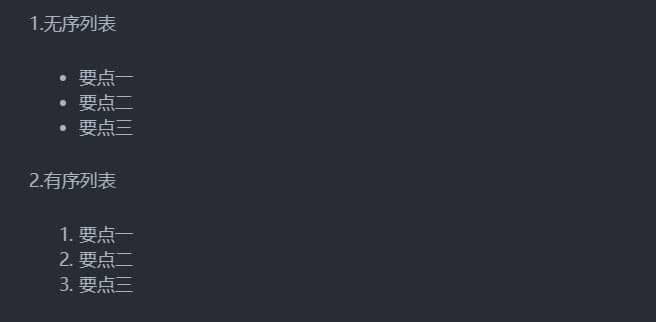
1.无序列表

- 要点一
- 要点二
- 要点三

2.有序列表

1. 要点一
2. 要点二
3. 要点三
链接与图片
1. 链接
[链接](https://www.baidu.com)
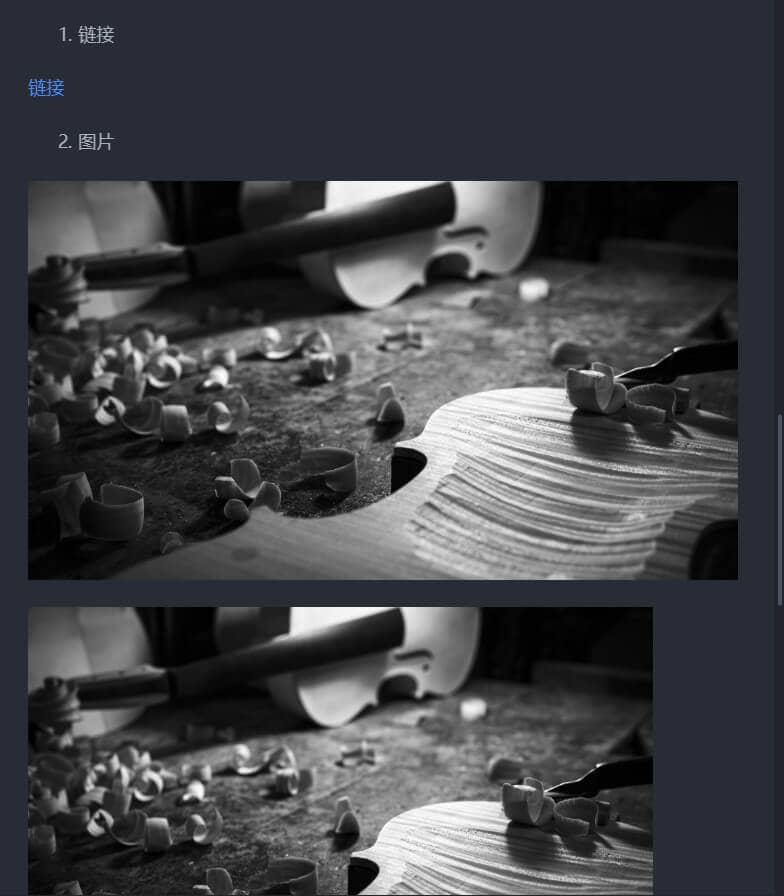
2. 图片

<img src="/images/Markdown/1.jpg" width="500" height="300" align="middle">
插入图片时一般用第二种,因为第一种不方便修改大小
转义符“\”
\ backslash      ` backtick
* asterisk       _ underscore
{} curly braces  [] square brackets
() parentheses   # hash mark
+ plus sign      - minus sign (hyphen)
. dot            ! exclamation mark
对于以上字符,可使用反斜杠使其保持原样
代码段
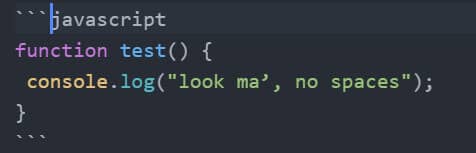
function test() {
 console.log("look ma’, no spaces");
}
表格
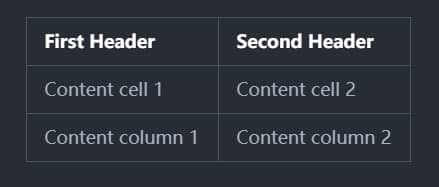
First Header | Second Header
------------ | -------------
Content cell 1 | Content cell 2
Content column 1 | Content column 2